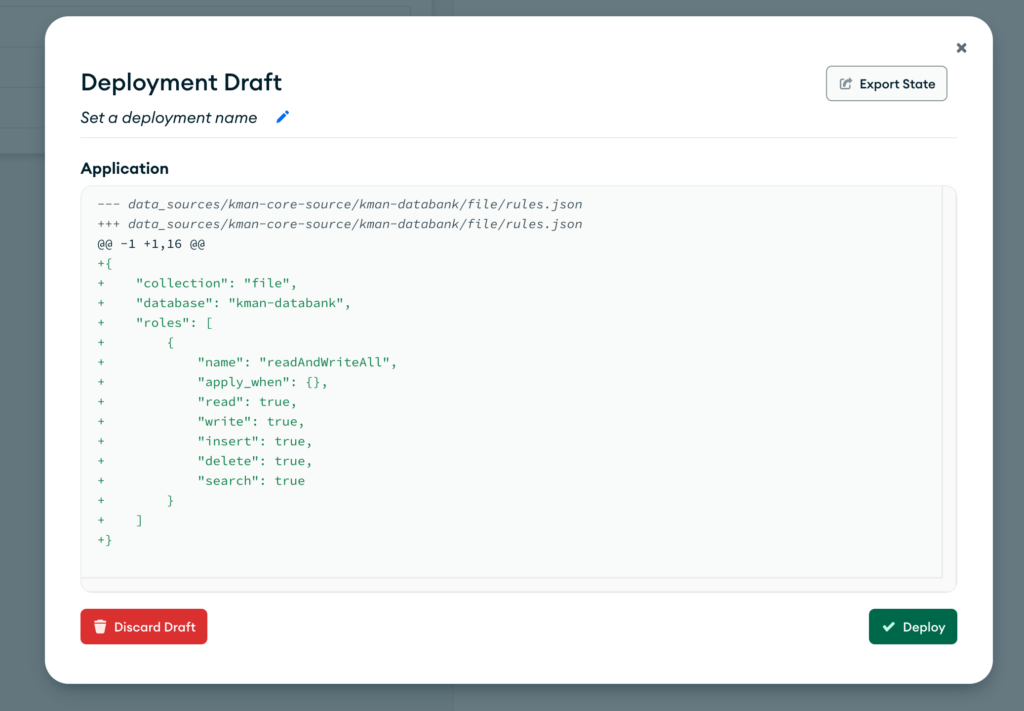
Important: Only add permissions for collections that are required to be accessed by the API. Do not add permissions for all collections.
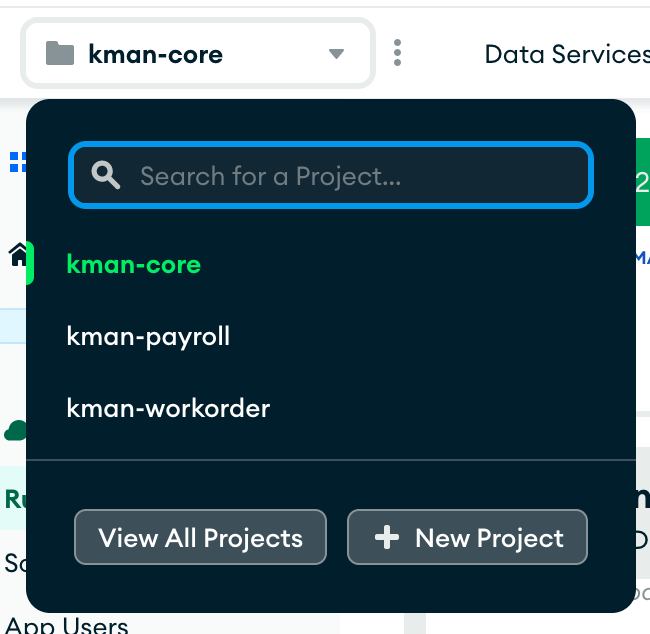
Once logged into MongoDB, make sure the correct project is selected.
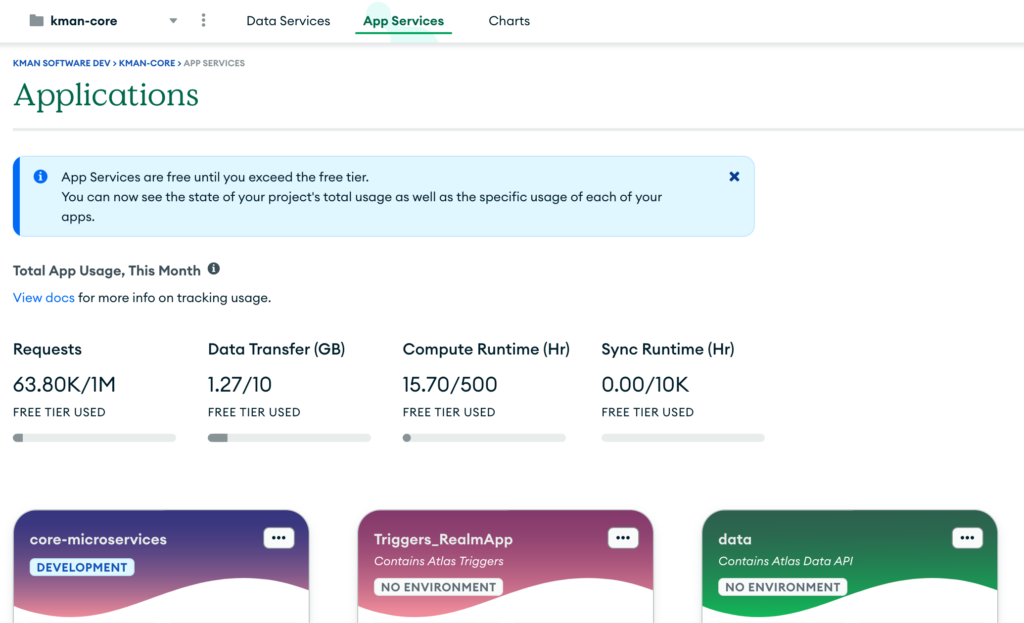
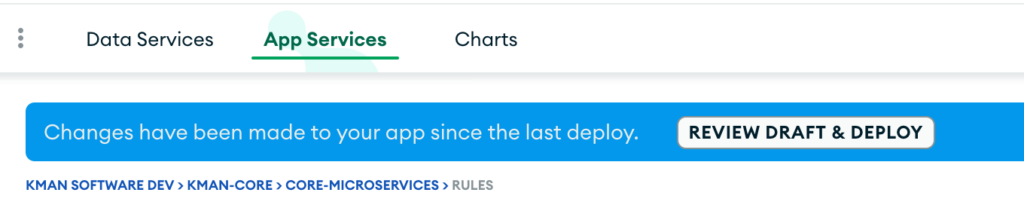
Click on the App Services tab and select the correct microservices app at the bottom.
On the left menu, select Rules under Data Access
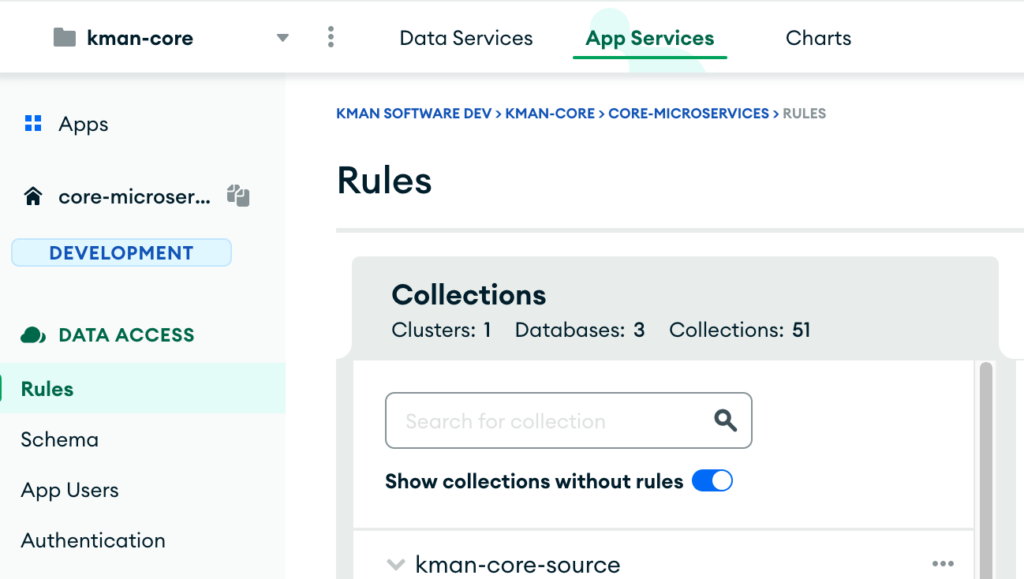
Select the collection from the list, then select redAndWriteAll from the permissions template.

Click Add preset role
Click on Review Draft & Deploy
Click on Deploy