
It’s recommended that the function code has been setup beforehand.
Reference: https://docs.kman.software/docs/developers/microservices/create-function-code/
Note: This does not open up API Gateway – once a function has been setup, please request the API Gateway is connected to the microservice.
AWS Region
Please ensure ap-southeast-2 / Sydney is chosen!
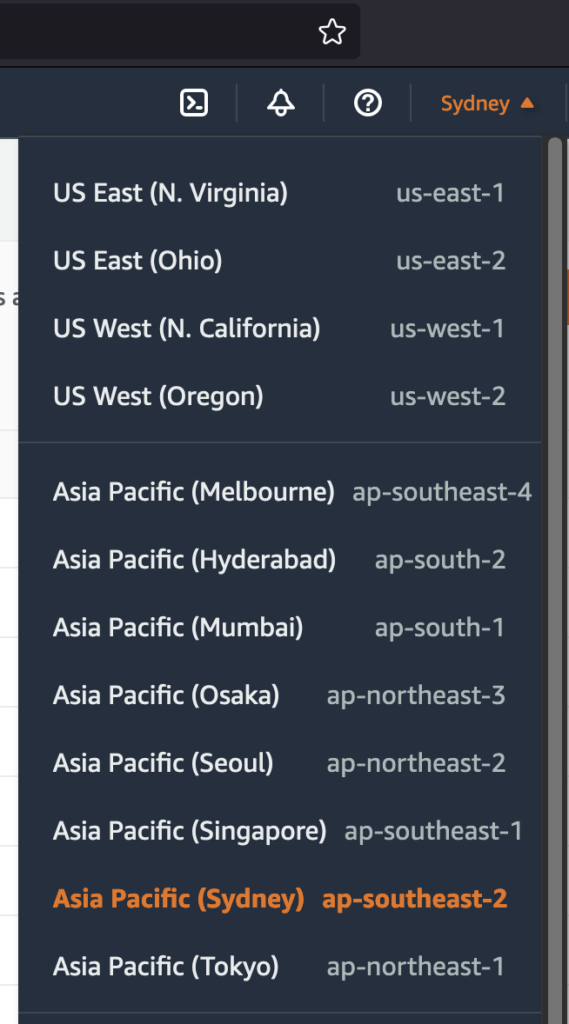
Setup Lambda Function
Navigate to AWS Lambda and click Create Function on the top right.

Enter the following details:
- Author from scratch is selected
- Function Name:
- Remote Flow API: rf-api-{servicename}-dev
- Timeflow API: tf-api-{servicename}-dev
- Workflow API: wf-api-{servicename}-dev
- Runtime:
- Node.js 18.x
- Architecture:
- x86_64
- Expand Change default execution Role
- Select Use an existing role
- Select appropriate role (all roles load specific environment configuration)
- Remote Flow API: remoteflow-microservices-dev
- Timeflow API: timeflow-microservices-dev
- Workflow API: workflow-microservices-dev
- Leave Advanced Settings blank
Once the function has been setup, navigate to Configuration

Click on General Configuration
- Click Edit on right
- Update Timeout to 30s
- (Note: Any higher won’t matter because API Gateway has a default 30s timeout)
Update IAM Permissions
While still in the Lambda function, Copy the Function ARN up the top.
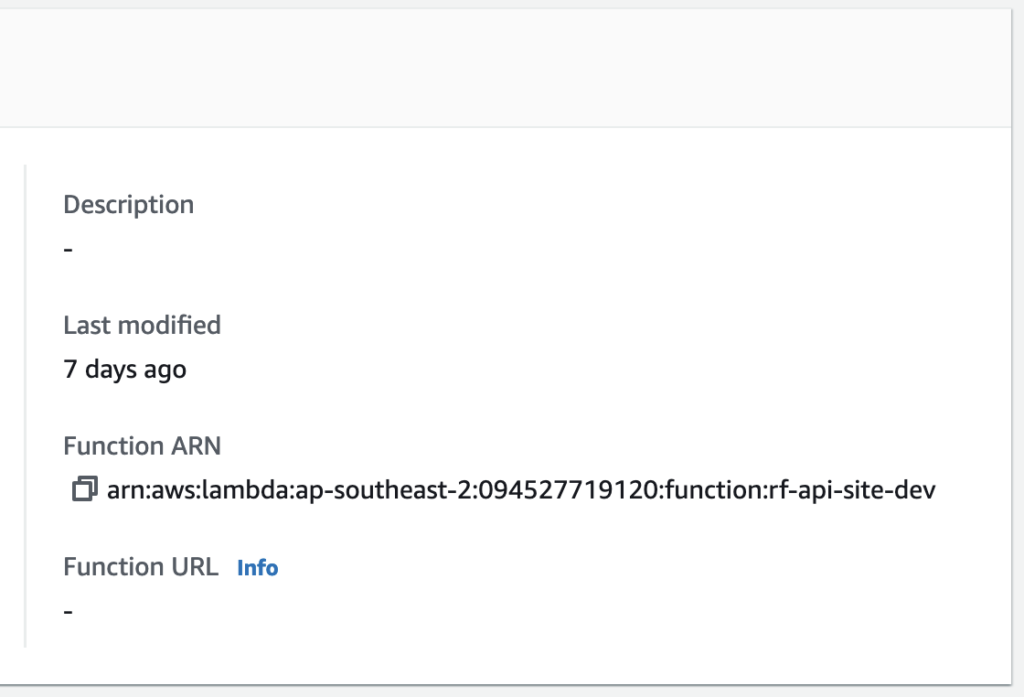
Navigate to IAM
- Click on User Groups on the left
- Click the relevant Group name
- Remote Flow API: rf-deploy-dev
- Timeflow API: tf-deploy-dev
- Workflow API: wf-deploy-dev
In the Group, go to the Permissions tab.
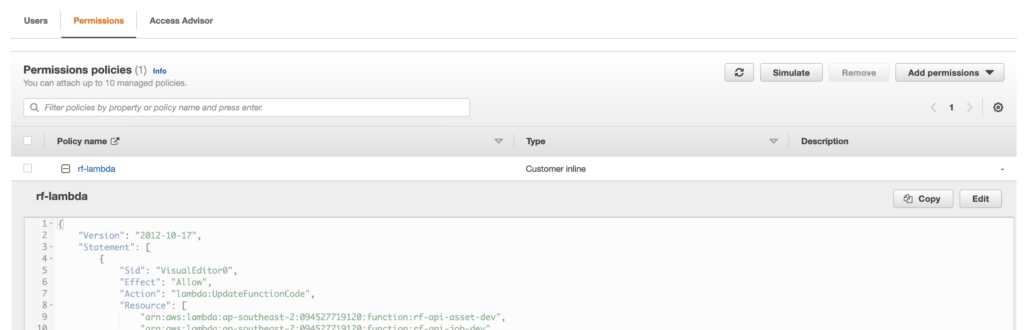
- There should only be one policy name – click to expand it
- Click on Edit
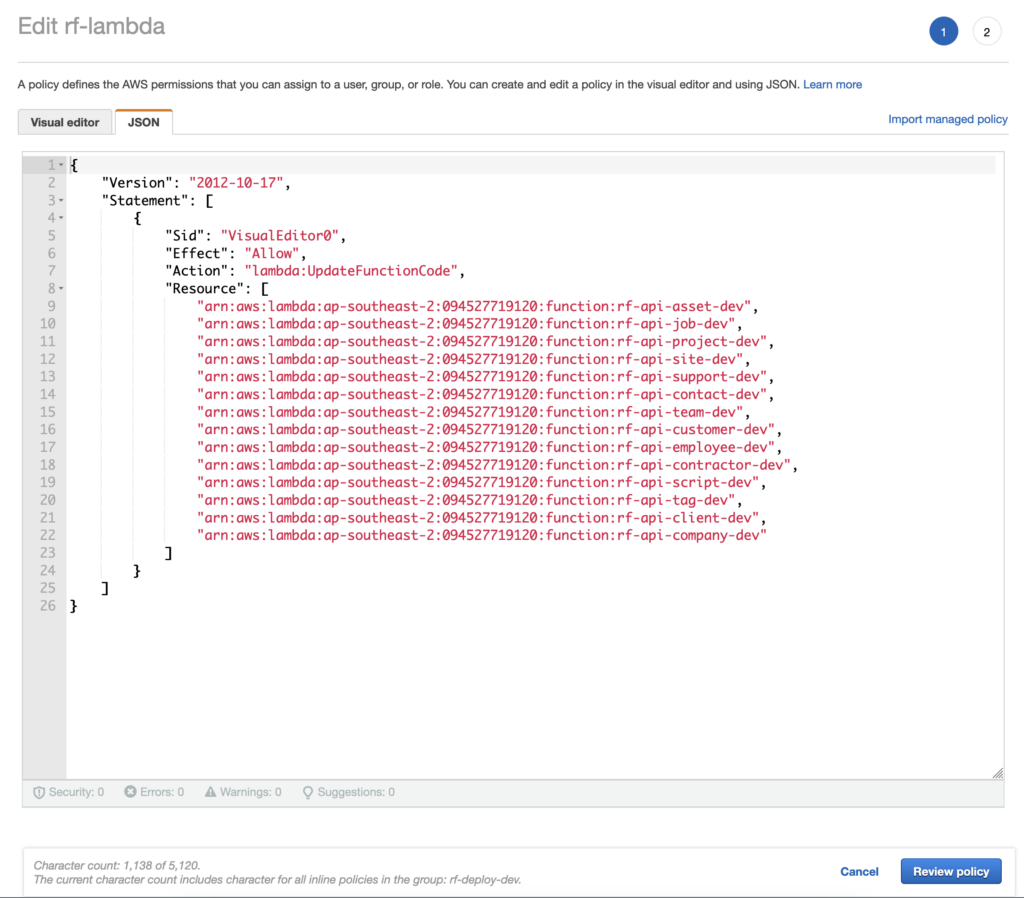
- Click on the JSON tab
- Under the Resource array, add the ARN that you copied from the Lambda function
- Click Review Policy
- Click Save Changes