
Job Allowances are automatic allowances that are added to timesheets that have been assigned to a specific job.
Instead of a staff member selecting an allowance for their timesheet, a job allowance would be automatically added to a timesheet when they select the job.
Job Allowances cannot be seen on the app, only on the timesheet approval screen.
Pre-requisites
- Allowances have already been added
- The Allowance(s) have been marked as Job Allowances
Adding Job Allowances
Search for the job on https://dashboard.remoteflow.app/databank/jobs
Once the job is selected, go to the Allowance tab. Note: The tab is only available if Job Allowances have been created.

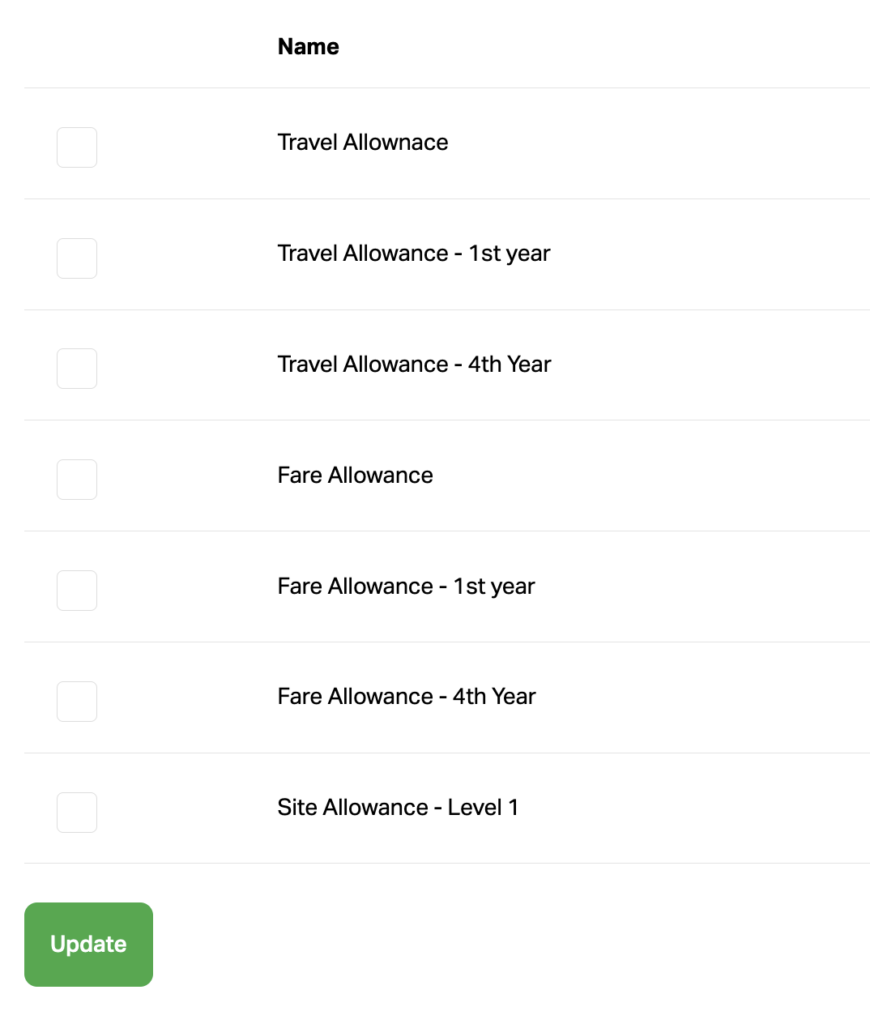
In the Allowance list, check the allowances that need to be attached to the job and click Update.
Once timesheets are created with the Job, the Job Allowances will automatically appear in the timesheet approvals.
The Job Allowance time entries will still need to be approved! Approval is not automatic!