Linking simPRO to a Remote Flow account allows:
- Ability to link Employees and Contractor information
- Sync simPRO schedules to Remote Flow jobs and schedules
Connecting simPRO
Once logged in, navigate to Settings – Integrations – Credentials and click on simPRO (if available).
https://dashboard.remoteflow.app/settings/integrations/simpro
Once the form is open, you will be asked for:
- Build URL (this is the URL where you log into simPRO)
- Company ID (this will be zero if simPRO is not multi-company)
- Access Token (see the form on Remote Flow with instructions on how to generate the Access Token)
Setting up simPRO schedules to push to Remote Flow
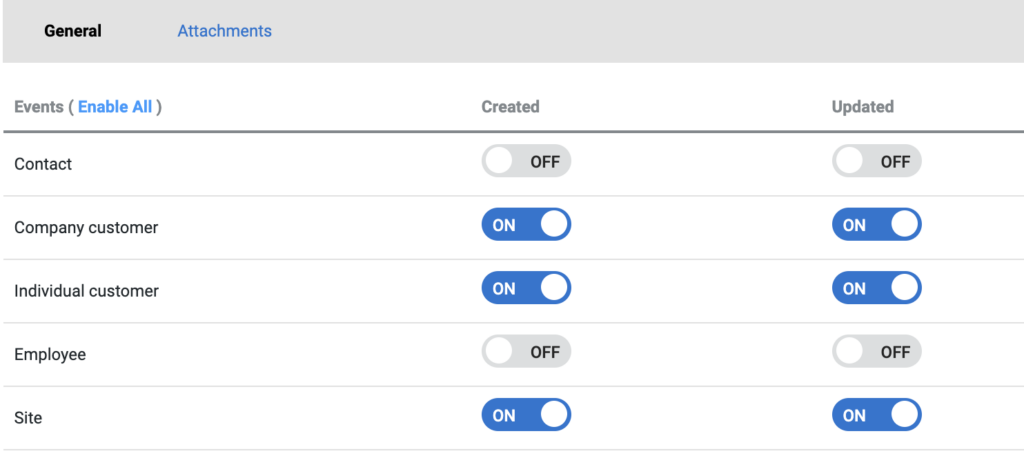
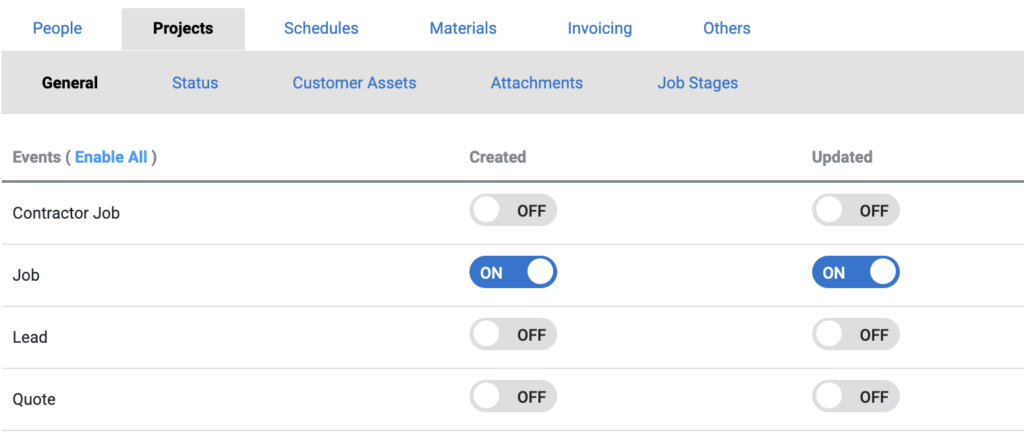
Using simPRO webhooks, Jobs, Sites and Schedules can be auto-generated by simPRO.
You will need simPRO access to setup simPRO schedule sync.
The below instructions are all done via simPRO. It is assumed the user security group will have the relevant access.
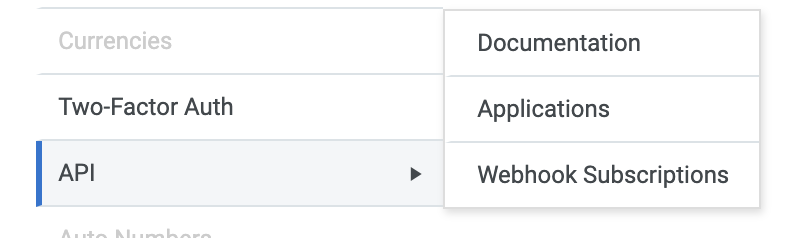
- Navigate to System Setup
- Navigate to API > Webhooks
- Create New Subscription
- Name: Remote Flow
- Email Address: (your email address)
- Callback URL: https://client.api.remoteflow.app/integration/{clientID}/simpro/webhooks
- clientID is what you use in your login
- Select the following Schedule Events
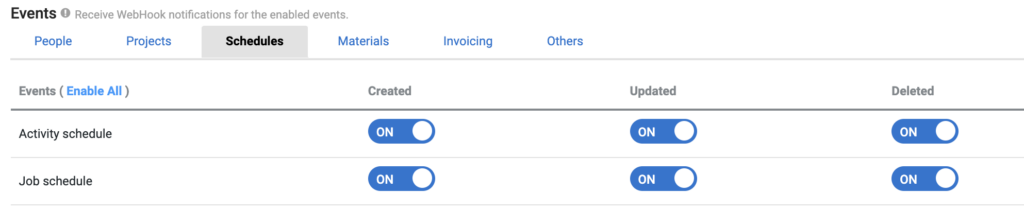
- Click Save
(Optional) The following simPRO webhook events are also available for Remote Flow.