
When a support ticket cannot be resolved without a developer, a JIRA ticket can be raised from the Zendesk ticket window.
On the right hand side of the Ticket view, there is an Apps button.
Click the Apps button to see the JIRA options.
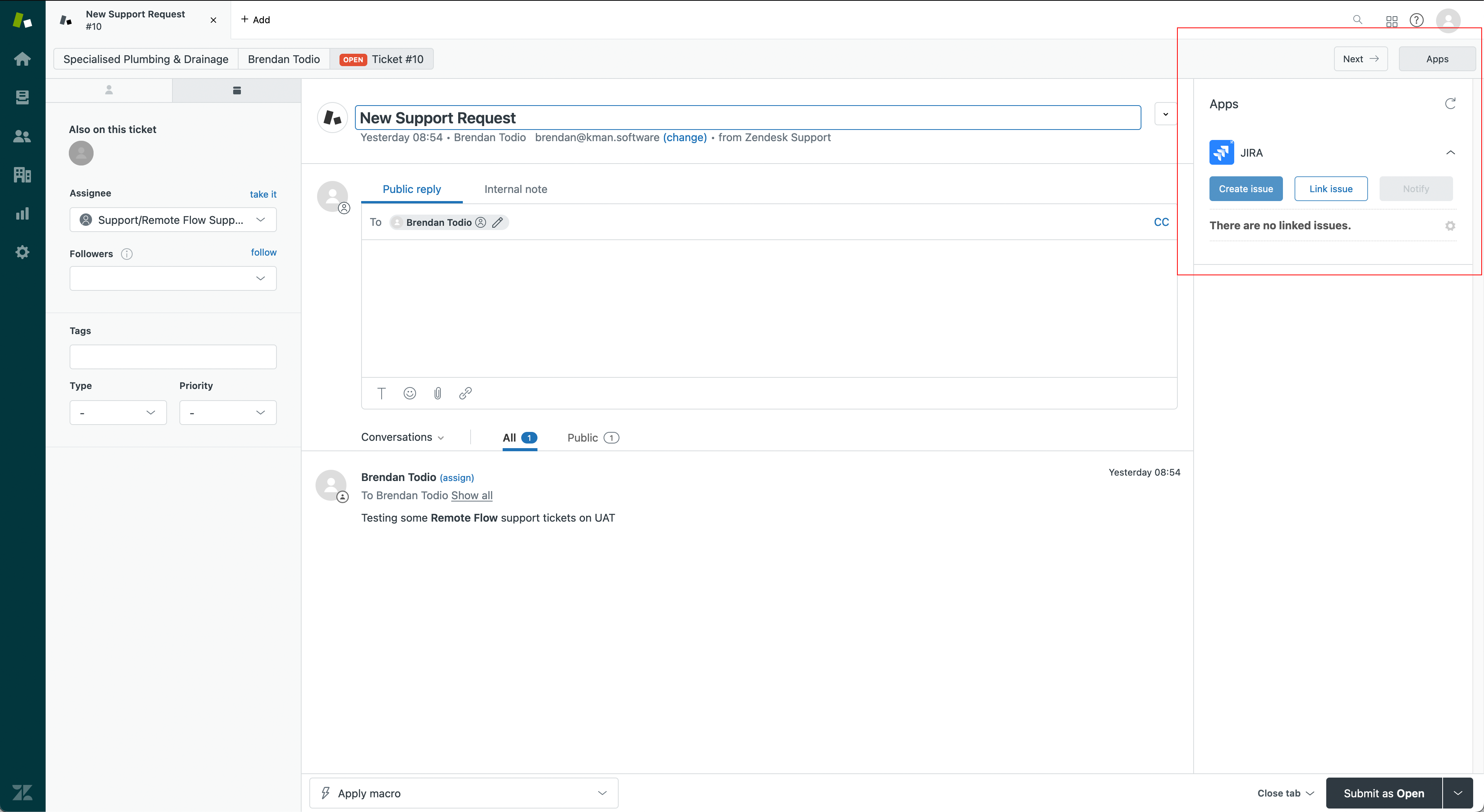
Click on Create issue and fill in the relevant details to go to the developer(s).
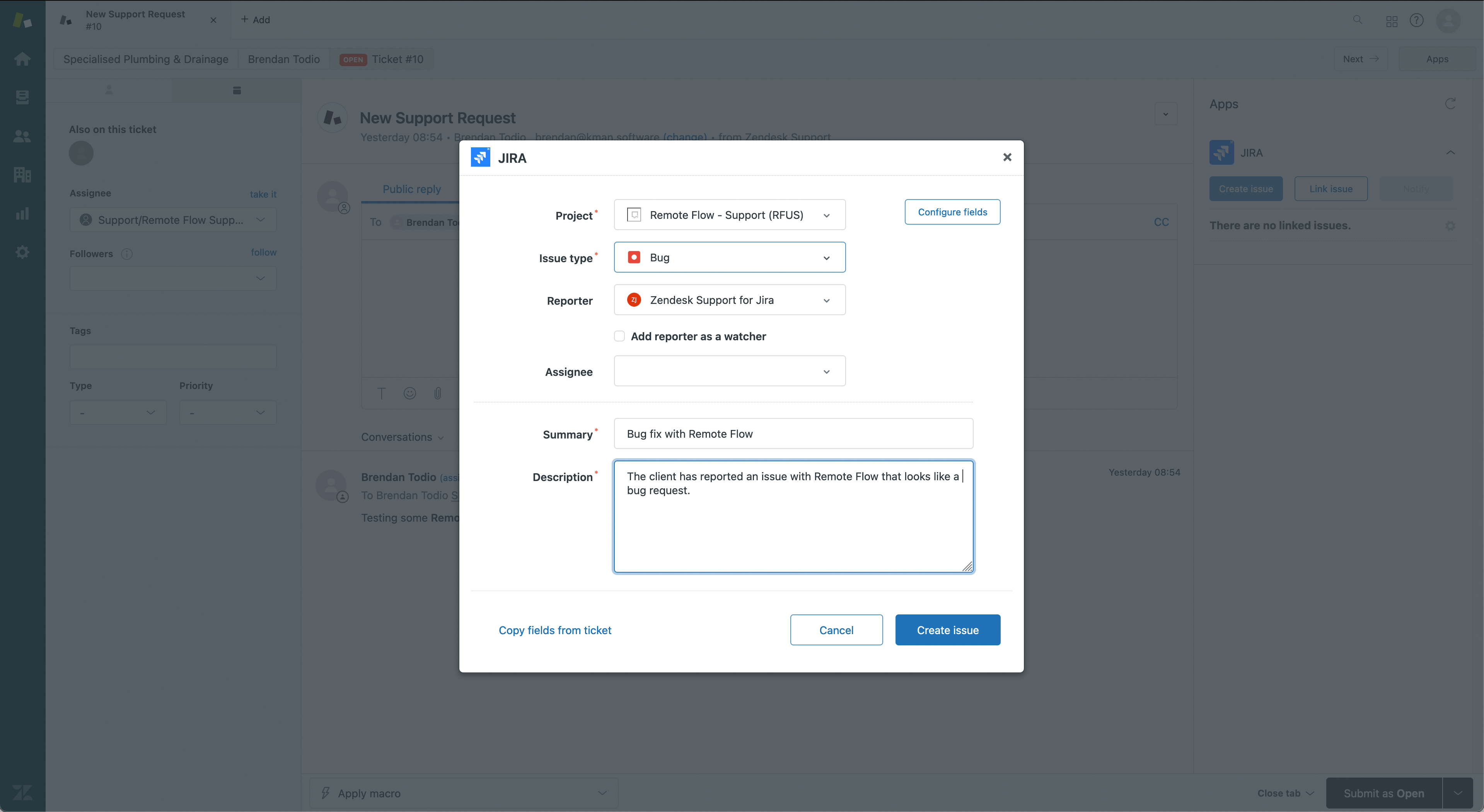
The issue will be sent to JIRA for the developers to manage.
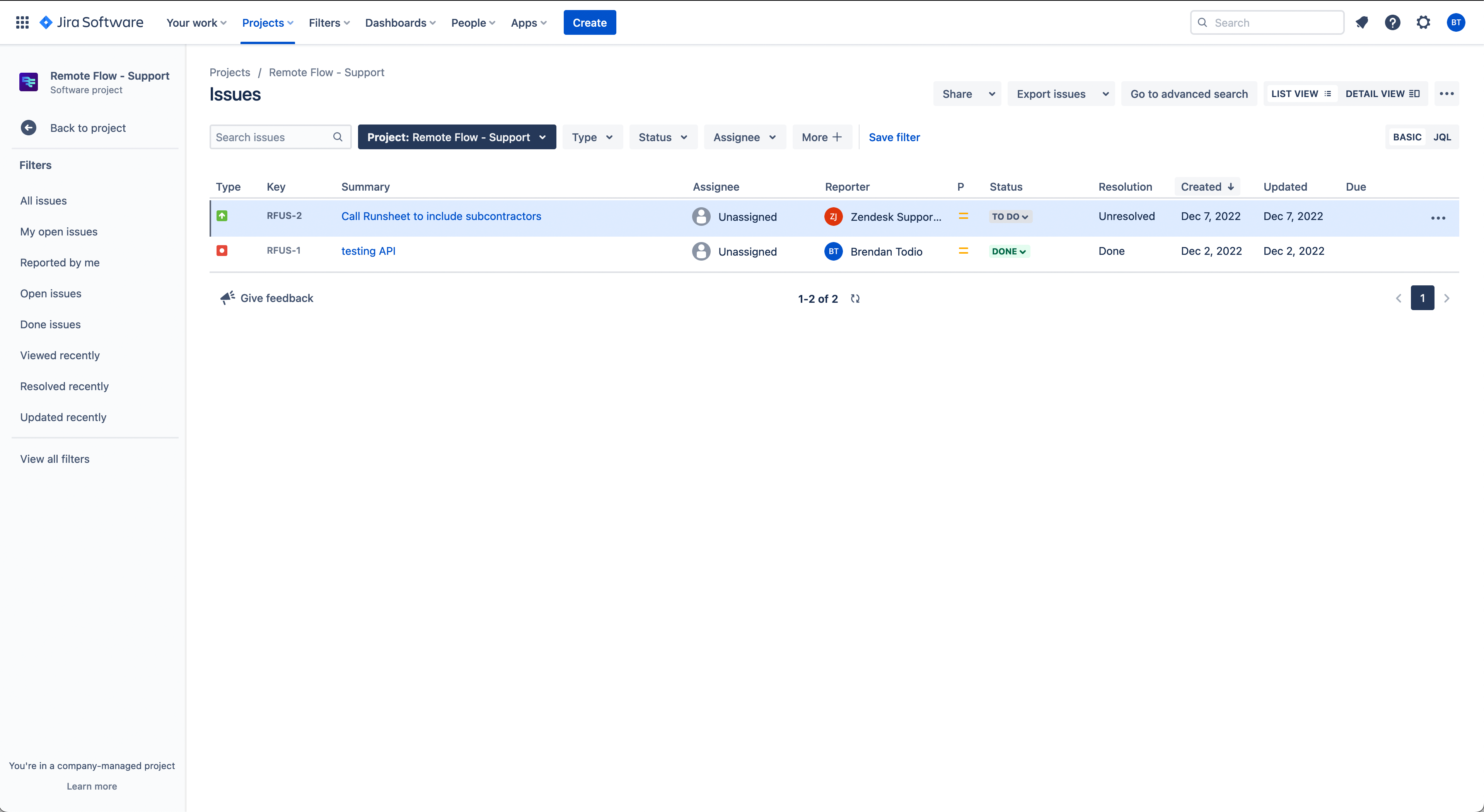
Note: The developers will work off a different schedule to support staff, so any developer resolution is NOT immediate!